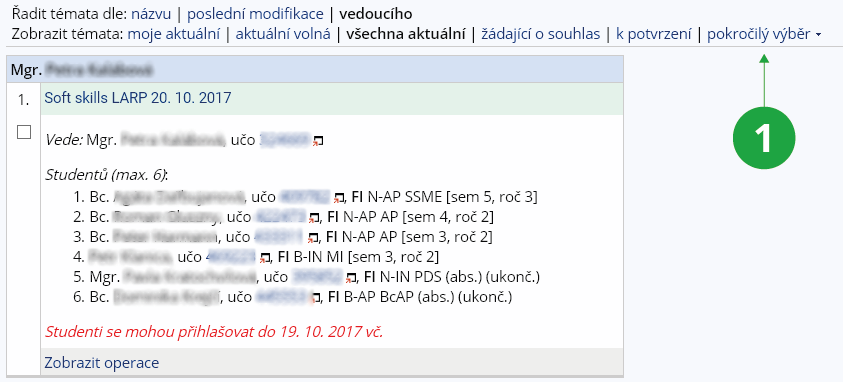
1 Advanced selection.
- my current – topics where I am enrolled in or listed as the topic supervisor and the topic is current,
- my not current – topics where I am enrolled in with my studies already completed, as well as completed topics where I am listed as a supervisor,
- all current – all current topics in the topic list (excluding closed/outdated topics),
- all not current – topics with no active students (does not select unpublished topics),
- currently available ones – topics that have free capacity and are published,
- which have not been made public – topics that do not have the "open the topic for enrolment" option checked are selected,
- published– topics are selected that have the "open the topic for enrolment" option checked.