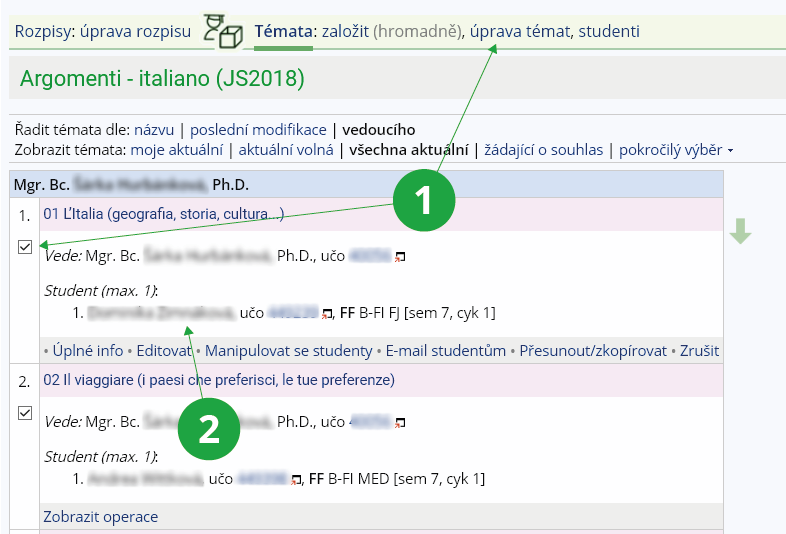
1 Select the check boxes for the selected topics in order to go to the bulk edit topics.
2 If you want to edit only one topic, select "Edit" in the Display operations menu.
- name, abbreviation, instructions,
- when enrollment is allowed (from → to), can also be set for topics (see below),
- how many maximum topics a student may choose from the topic list,
- pre-filling capacity for topics,
- topic list features → allowing students to create their own topics, setting up a homework vault / notebook for topics, setting up an email to be sent when enrolling to a topic,
- prerequisites → prerequisites (as for course registration, not usually used),
- filtering according to the selection in the Teacher’s Notebook → filtering to students meeting the selection criteria,
- sharing the topic list with other courses,
- what events to record for the topic (usually just that the topic is finished, e.g. the paper has been turned in).