When entering the teacher application (Teacher’s Notebook), it is necessary to specify the course(s) the teacher wants to work with:
The system offers courses that the teacher teaches in the given semester, as well as courses for which the Course Catalogue specifies that grades are entered by all instructors (joint projects, thesis supervision, etc.). Users with the access right s_vyuka can also select additional courses of their department.
To work with the selection of students in a course or seminar group, the teacher can click the arrow next to the course or seminar group name.
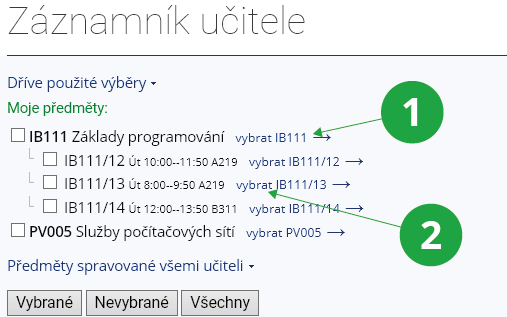
1 Arrow for selecting active students of the course.
2 Arrow for selecting active students of the seminar group.
On every page of the Teacher’s Notebook, a panel is available showing an overview of the selected courses, including the current semester phase:
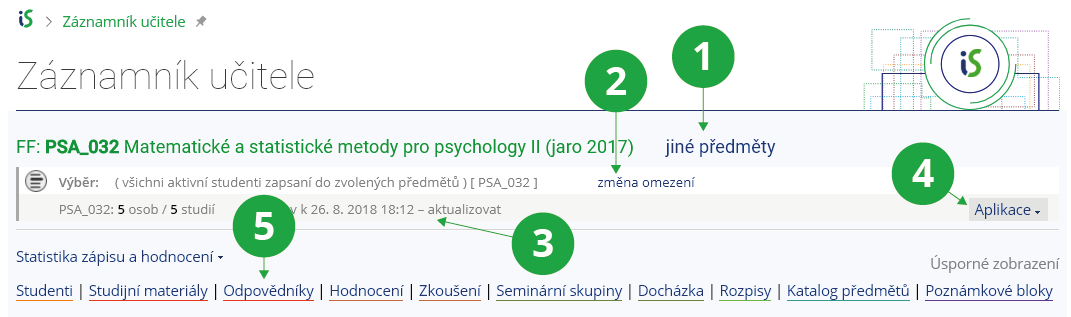
1 Button for selecting a different course.
2 Button for changing selection restrictions or adding another course to the selection.
3 The semester phase in which the course is currently located.
4 Overview of the most frequently used applications.
5 Quick navigation to the application dashboard on the page.
Students are naturally selected by the system according to the semester phase defined by the academic year schedule. The individual phases are:
- “Registration in progress” (active students) – the registration period,
- “Teaching and enrollment in progress” and “Teaching in progress” (active enrolled students) – the enrolment and enrolment-change period, the teaching period, and the examination period plus two months,
- “Teaching completed” (active, completed, and inactive enrolled students) – two months after the end of the examination period.
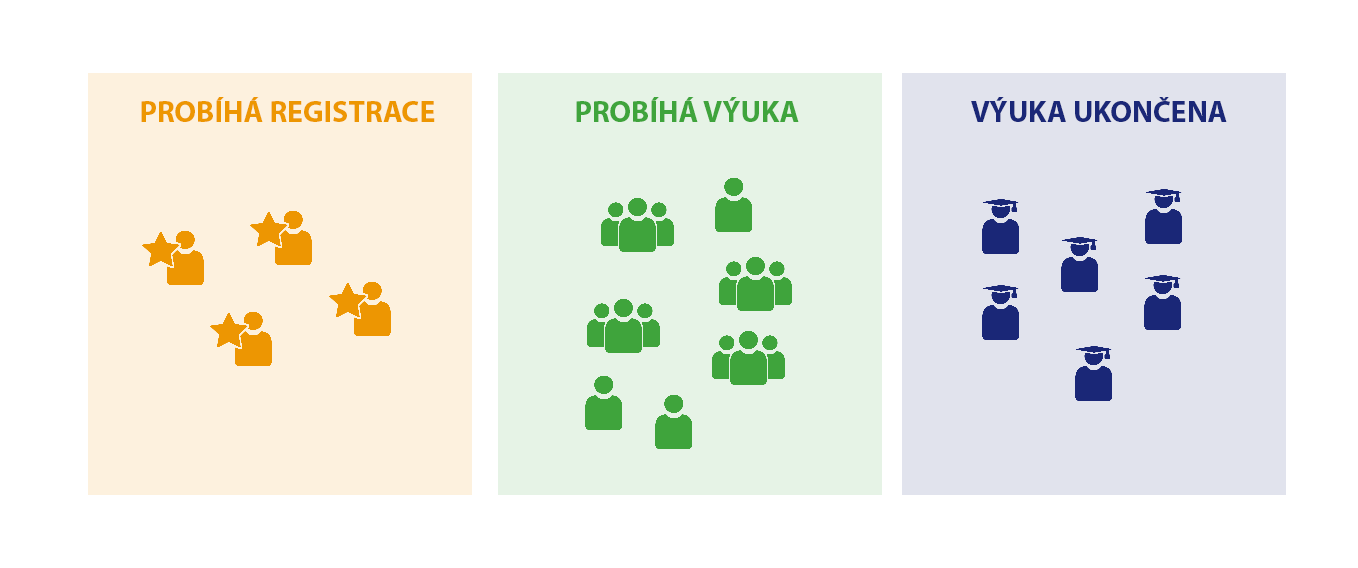
1 Students are automatically selected by the system according to the semester phase defined by the academic calendar.