Printing the attendance form
For each seminar group and lecture you can print the attendance form for the semester.

In the header of the form is the identification of the seminar group. Below the list of students there are always a few blank lines in case a student joins the group after the sheet is printed.

The number of columns depends on the number of seminars during the semester. The system omits non-working days.

PUse the links to print

The Information system Teacher [course selection] (Attendance) Print attendance form

then select one or more seminar groups and select the desired printer. You can also choose from advanced print settings. You can also download the attendance form in the available formats to your computer.
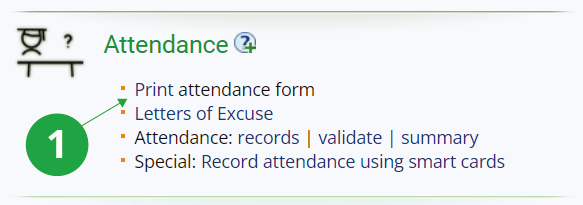
1 Print the attendance form(s).