The Information system Teacher [course selection] (Notebooks) (Content) History of notebook-related operations
Then select the notebook for which you want to view its history. Through the application, you can follow the sequence of operations with the notebooks of the selected course. You can use it in case of doubts about the operations performed.
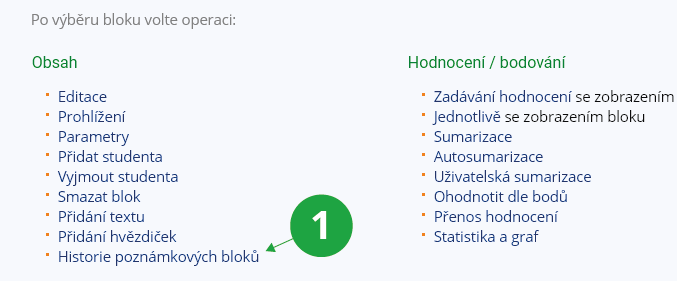
1 Option to view the history of notebooks.