- Teacher-defined notebooks – this group includes all notebooks that have been created by the user directly in the Notebooks application.
- Automatic addition – Autosummary notebooks sum the contents of designated notebooks at regular intervals.
- ROPOTs notebooks – contain the scores from the ROPOTs. Their content can be changed and rewritten at any time, e.g. by changing the ROPOT description setting.
- Homework vault notebooks – these notebooks can be created via the homework vault management application. They are used to enter assessment for submitted student files.
- Discussion forum notebooks – notebooks assigned to topic discussion forums. They are used to enter assessment of student activity in these forums.
- Attendance notebooks – notebooks used to record attendance in class.
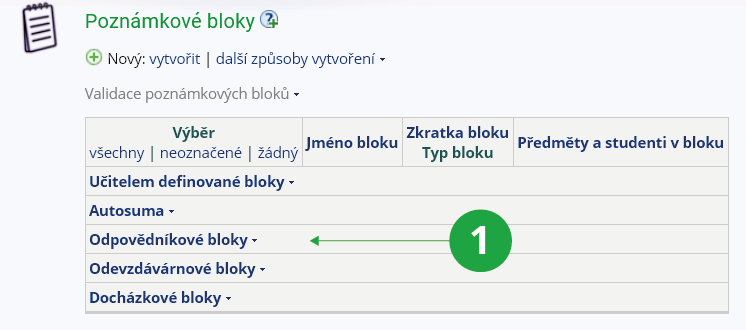
1 Structure of notebooks.