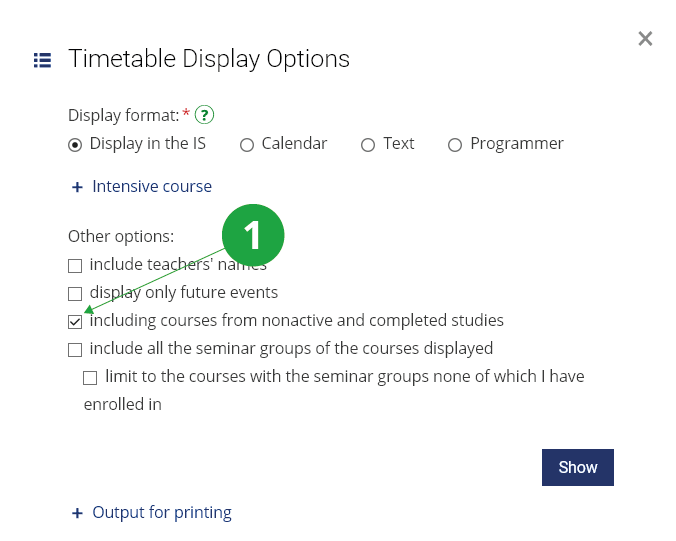
If some of the courses have already been enrolled, only these are
displayed. If you want to view the timetable including courses that
you have only registered, use the option "including the courses the
student(s) has (have) only registered for". Registered courses will be
highlighted in a different colour in the timetable.
1 Selecting the type of timetable. Marking this option will also list only registered courses in the timetable.