The Information System (Calendar) My timetable Display options Intensive course
You can select the specific week you want to view from the menu. You
can also select a different range of days or weeks from the calendar.
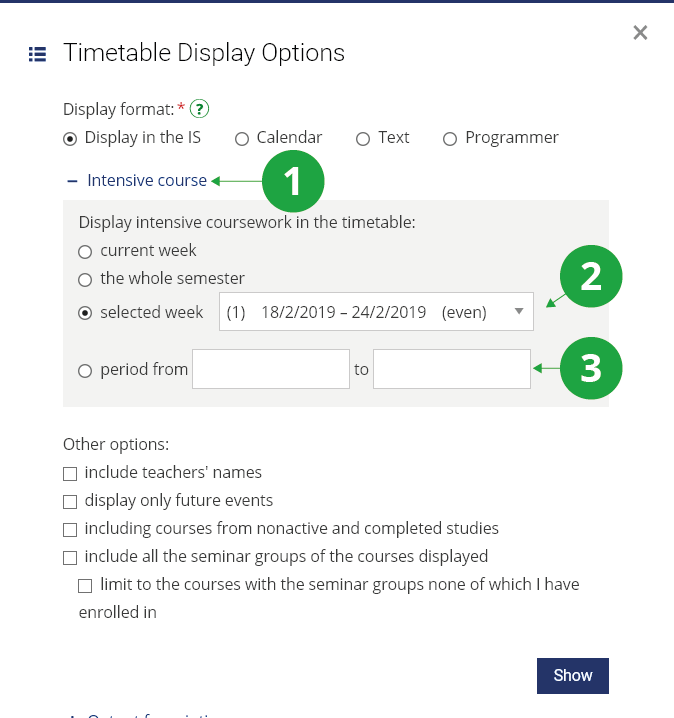
1 Intensive course section.
2 Displays timetable of the specified week.
3 Displays the timetable period of your choice from the calendar.