It is uncomfortable to navigate through a ROPOT with a large number of questions
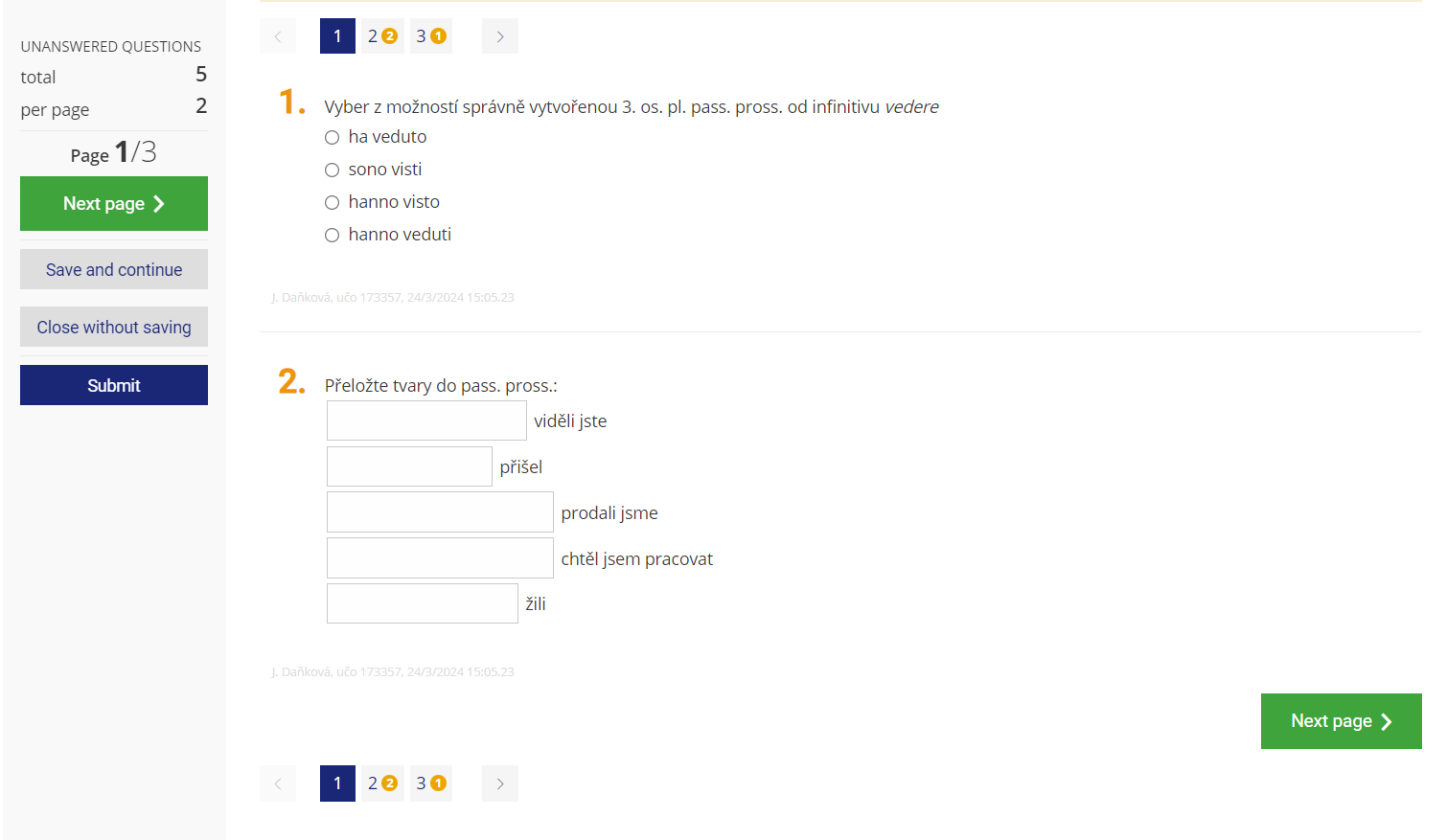
You can split the ROPOT into pages. In the description in the "Number of questions per page" section, you can specify how many questions to display on the page (screen) or whether to use a single page for questions from one question set only.
1 Sample of the ROPOT set up to have two questions per page.
Students use buttons to switch between pages. Pagination can also make it difficult to copy from a neighbour's screen. In addition, when moving from one page to another, there is an automatic intermediate save. At the same time, if you check the "do not allow students to return to the previous page" option, the student will not be able to return to previous questions and edit their answers after moving to the next page.
Pages can also be divided by question sets (by selecting "use a single page for questions from one question set only"). One page will then contain continuous blocks of questions that are drawn from one question set.