Yes, you can. In addition to automatic evaluation (i.e. where the student's answers are evaluated according to pre-set scores), there is also the option of manual evaluation of answers. This mode of evaluation must first be enabled in the ROPOT description.
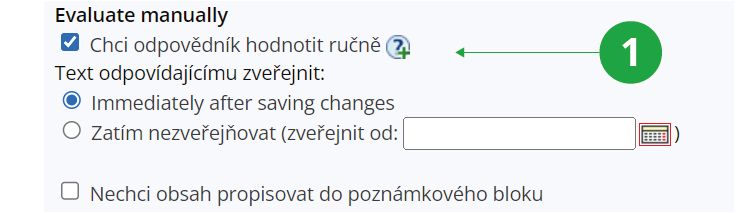
1 The menu will be expanded after the evaluate manully option has been checked.
Where do I add my manual evaluation to the student's answers?
After answering the ROPOT, student answers are displayed in the Responses application. The "Evaluate manually" button appears in batch operations. The button is also displayed if the option is not set in the ROPOT description and leads to its activation.
1 Evaluate manually option in batch operations.
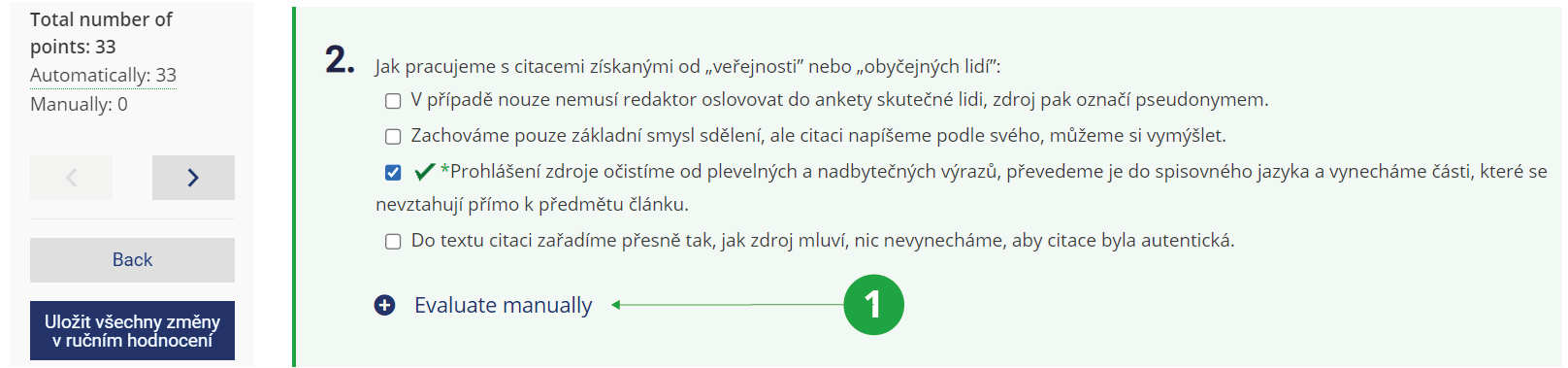
1 Individual manual evaluation.
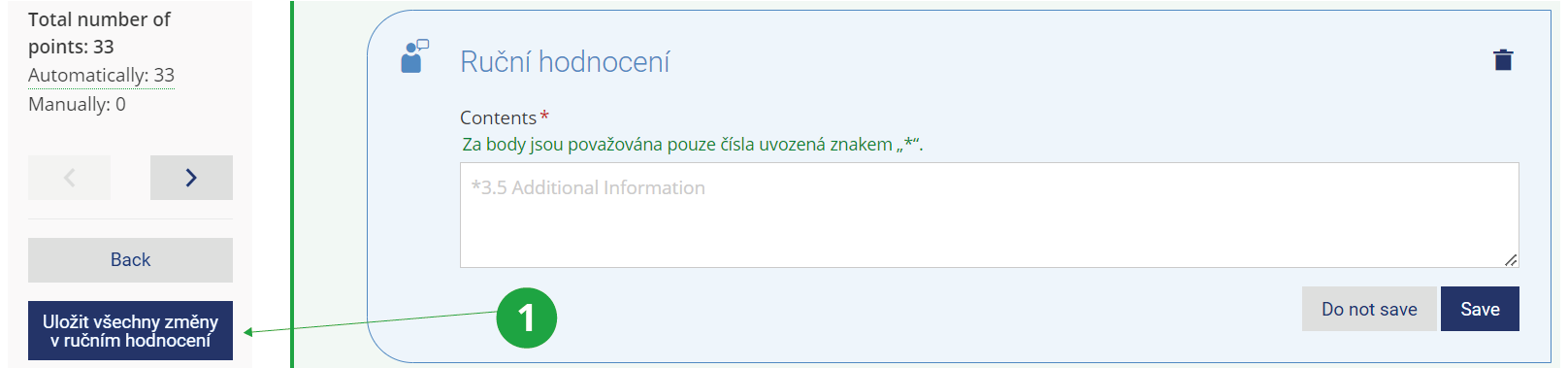
1Bulk save of changes.
Where the manual evaluation is stored?
Manual evaluations are stored in the notebook. The teacher can choose whether this notebook is published to students immediately, not at all, or only after a certain date. If the teacher does not wish to save the content in the notebook, then the option should be checked there, "Nechci obsah propisovat do poznámkového bloku" (i.e. I don't want to store the content in the notebook in English) The manual evaluation will still be available to the teacher in the Responses application. The notebook created by the "manual evaluation" mode will be marked as such.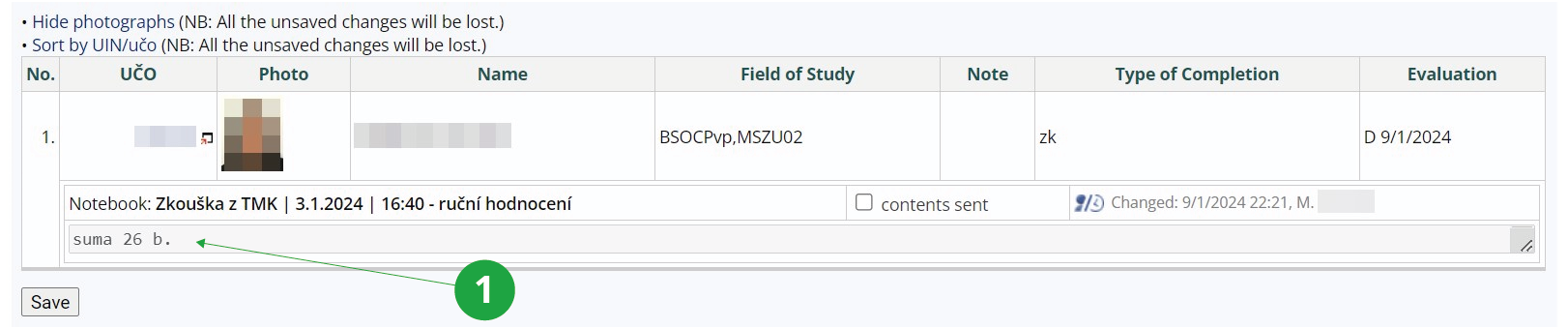
1 Displaying the manual evaluation in the notebook.
In what format is the manual evaluation displayed in the notebook?
Depending on the teacher's preference, the manual evaluation in the notebook will be displayed as full text with points (which are always marked with an asterisk), points only or total sum of points. Manual evaluation can also be listed for each question separately. The notebook abbreviation option is used when the content is to be included in the custimized addition notebook.
1 Setting the format of the manual evaluation in the ROPOT description.