The "Read rate" feature is used to verify that students are looking at the interactive syllabus. This function is located in the list of operations with the interactive syllabus. Read rate contains a summary table with a list of students and the readership rate is expressed as a percentage.
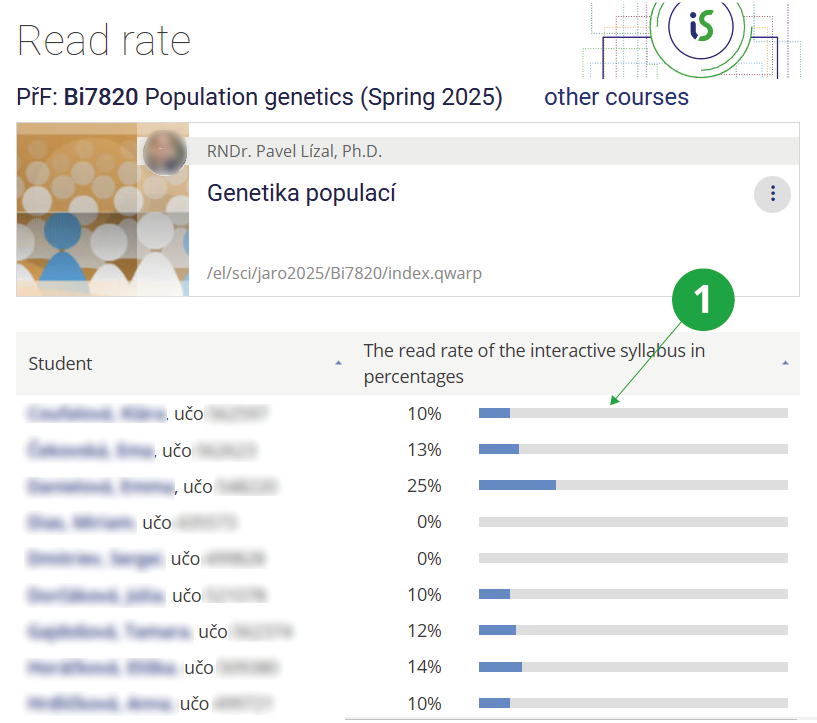
1 The "Read Rate" function shows how far students are in going through the interactive syllabus.
Tip: What all counts towards read rate?The "Study progress" indicator in the interactive syllabus recalculates how far along a student is in reading and completing the interactive syllabus.
It counts viewing chapters, running videos, opening linked files, etc. The student can also easily see where they left off in their study of the material.