- Please make sure you have set its access rights correctly.
- You can do so by clicking on the Access rights reference situated at the top of your syllabus. Make sure the rights are set the way that allows your students to access the syllabus. If they are not, change the settings.
- Similarly, you should also check the rights of the Study materials folder housing the file containing a reference to your syllabus. If the students are not allowed to access this folder, they cannot access the file, and thus the syllabus, either.
- Are you really sure you have made all your chapters public?
When editing the syllabus, check that there is no lock icon for each chapter, if so, click on “chapter settings” (pencil icon after moving to the chapter line) and set to “publish now”.
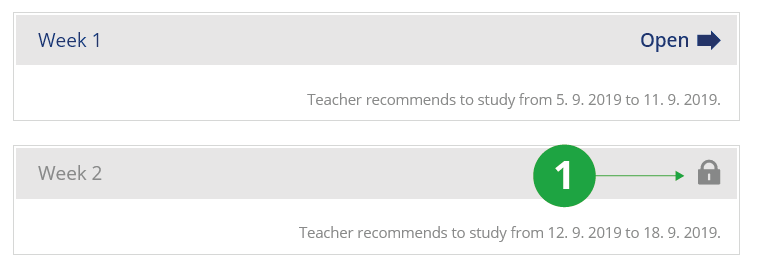
1 Locked chapter in the interactive syllabus.