For a typical use in the current course, the syllabus does not need to have the access rights changed because it is implicitly accessible to students of the course. If for some reason it is desirable to limit or extend this right, you can use the "Rights - Setting" option (in the interactive syllabus menu). You will be presented with a dialog for setting the rights of the interactive syllabus file, in which you can change the rights in the desired way. In the case of extending rights, remember that all parent folders in the Study Materials of the course needs to also have the desired read right.
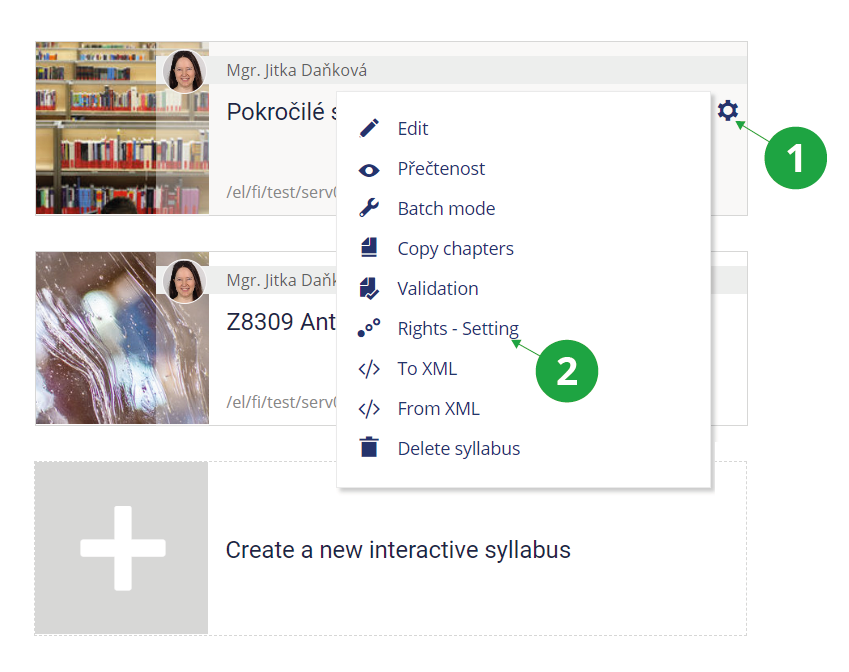
1 Menu of interactive sylabus operations.
2 Options for setting rights to the interactive syllabus.
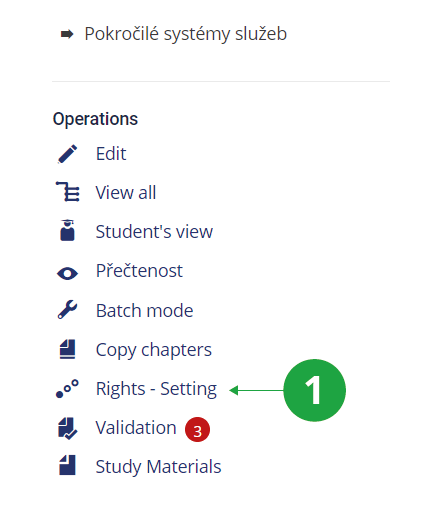
1 For options for setting rights to the interactive syllabus, see the operations menu when you view it.
If the syllabus is accessible to students (students of the course immediately after the syllabus is created), they can see it in their interface
a link that they can use to open it. If you want to make the syllabus available to someone else, you need to set the rights of the file to open the syllabus (.qwarp), including the folder where the file is located, as described above. The syllabus can then be opened by clicking on this file in the course study materials.